Welcome to LEX V11
It is now imperative to transition to LEX V11, wherein we have commenced our endeavour to modernise the styles within LEX, accompanied by a more systematically organised menu amongst other new features.
To arrange the upgrade email lexsupport@opus2.com or call 0116 2725015.
To discuss at greater length or arrange a demo for members of your team, contact your account manager LEX Account manager.
Certain features illustrated below may be inaccessible due to the specifications of your user security profile. It is advisable to engage with chambers administration to discuss modifications to the security access.
LEX V11 Intro / Overview
Menu Navigation Basics
Check out the new menu layout at your own pace using this interactive guide
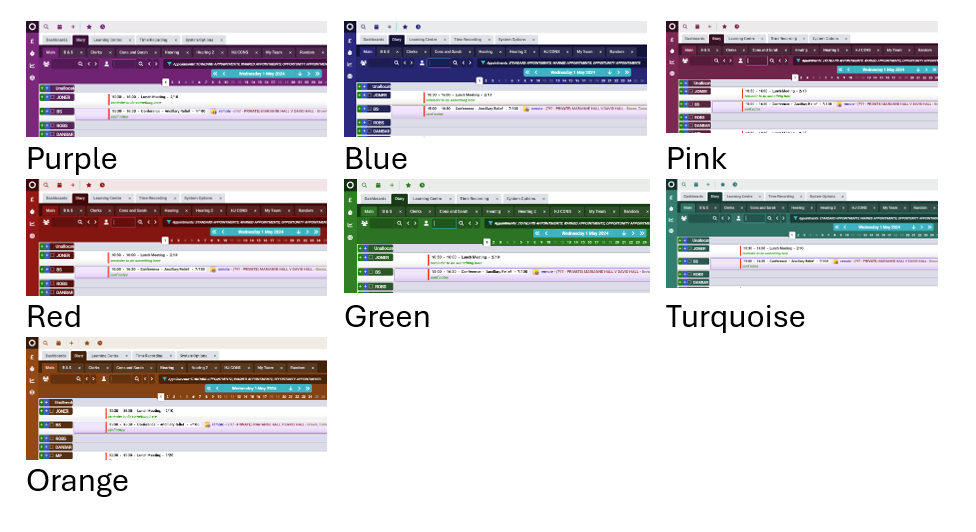
LEX Skin Colour
There are a number of colours available for chambers to choose from. This is not per user it is per chambers.
 Fresh Dashboards
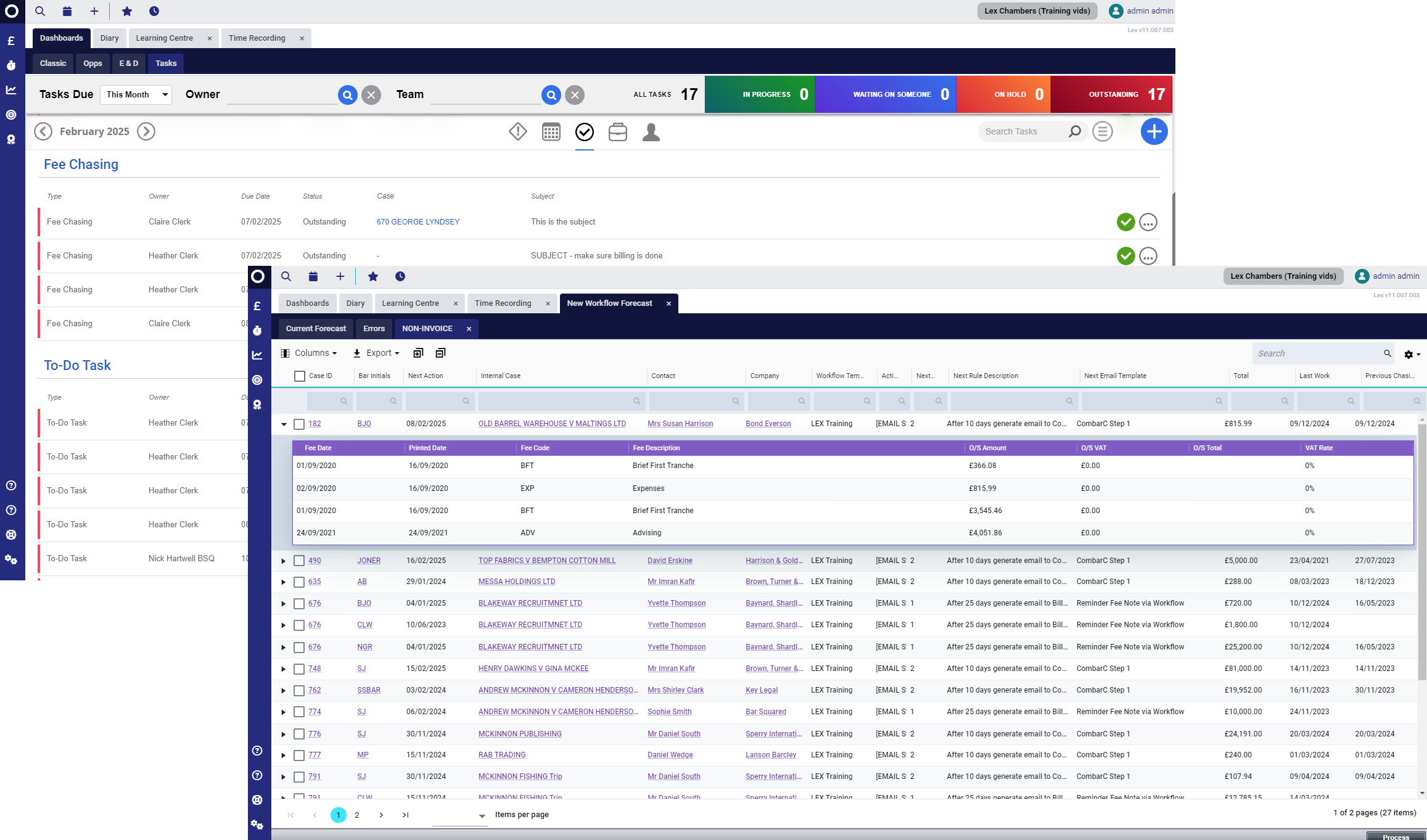
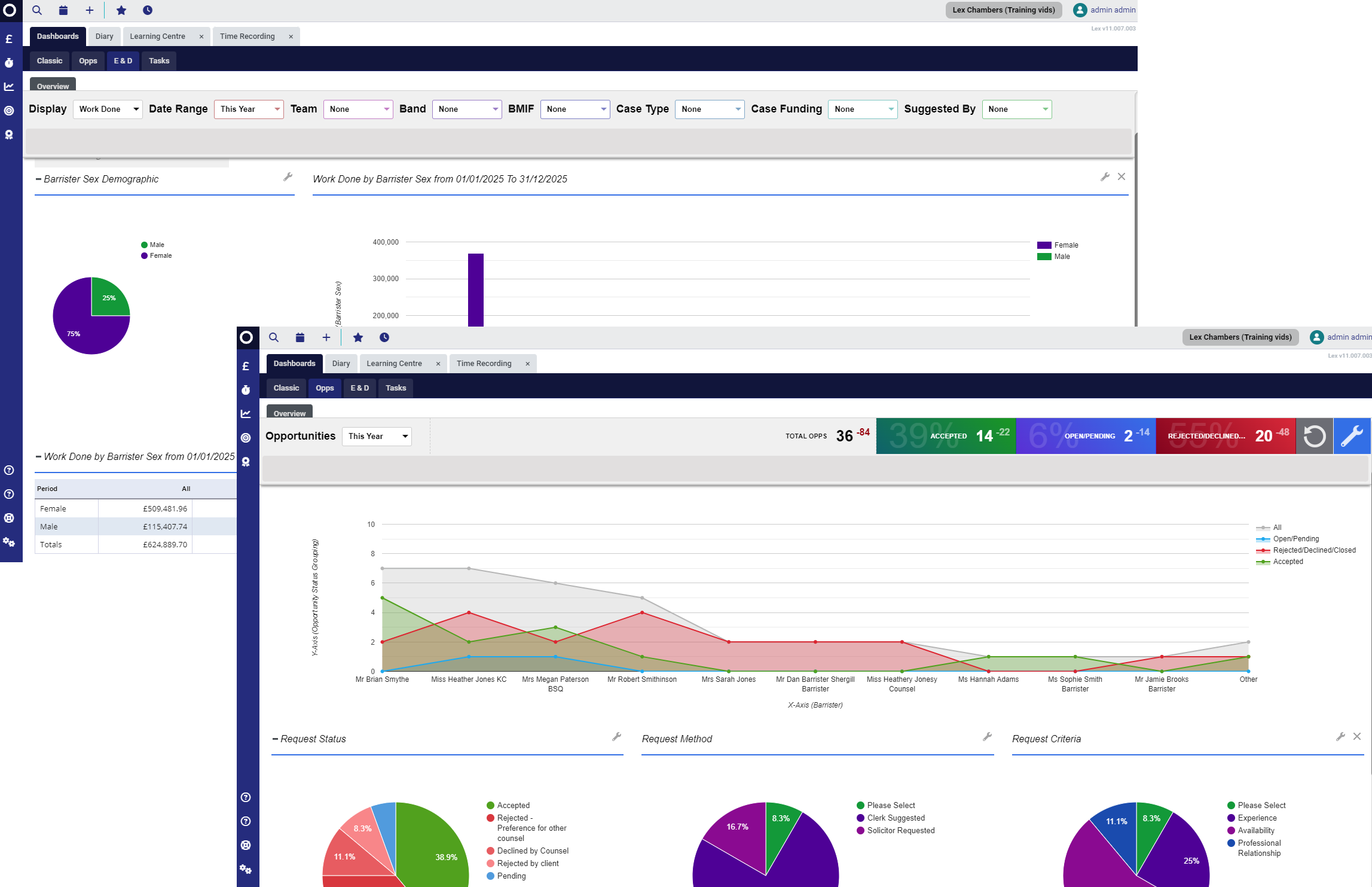
The latest styles in LEX enhance several of the current dashboards, including the workflow forecast. Below, you can find examples of the workflow forecast, E&D Dashboard, Opportunities Dashboard, and the Tasks Dashboard.
Get in touch / Search for help
Contact support from within LEX, logging a support ticket includes the ability to add a screenshot or attach up to 5 documents to the query.
Visit the new support centre to view release notes and look for assistance and guidance, including new starter packs for Barristers
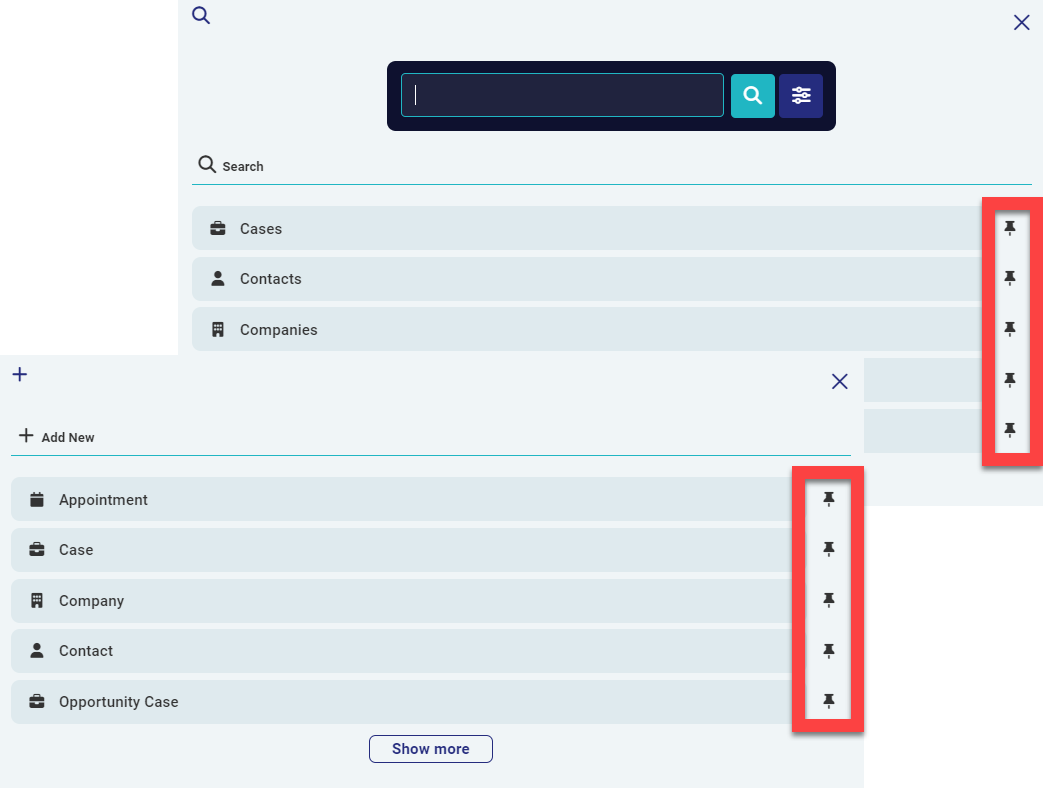
Pin your favourites in your 'Search' and 'Add New' menus
Recent Development / Coming soon
Below is a summary of recent key development, to find out more or to arrange a demo in any of these areas, please contact your LEX account manager LEX Account Manager
To view the latest release notes please visit:
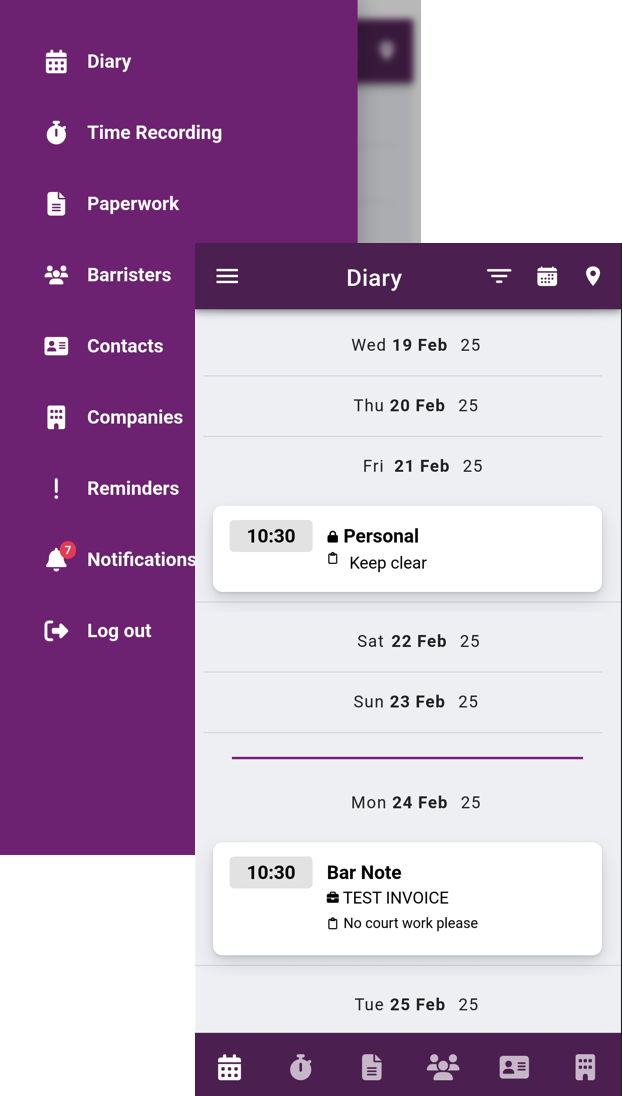
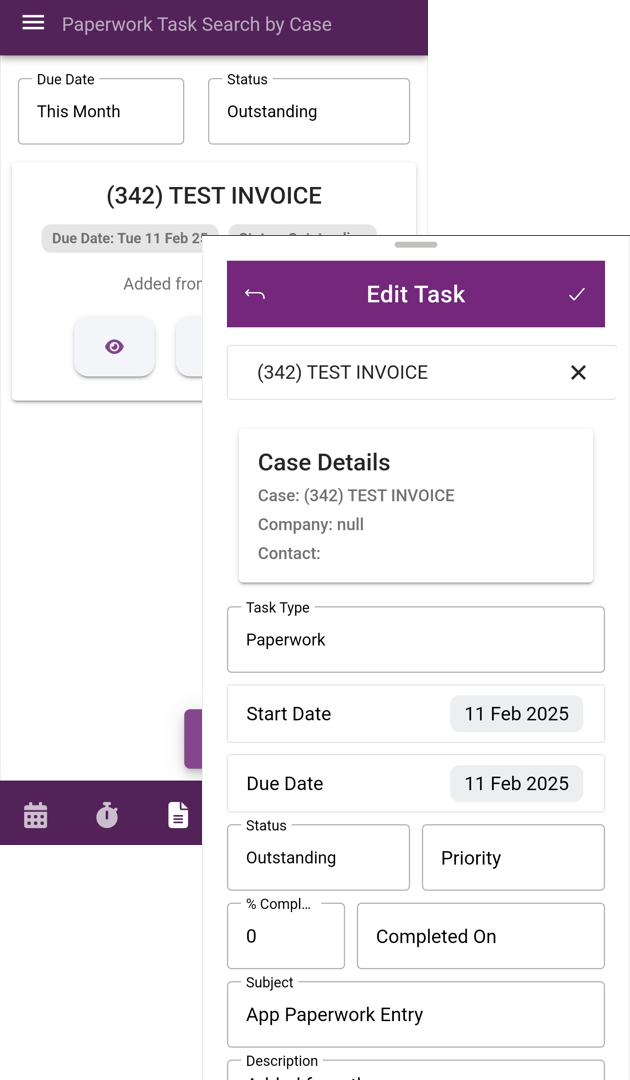
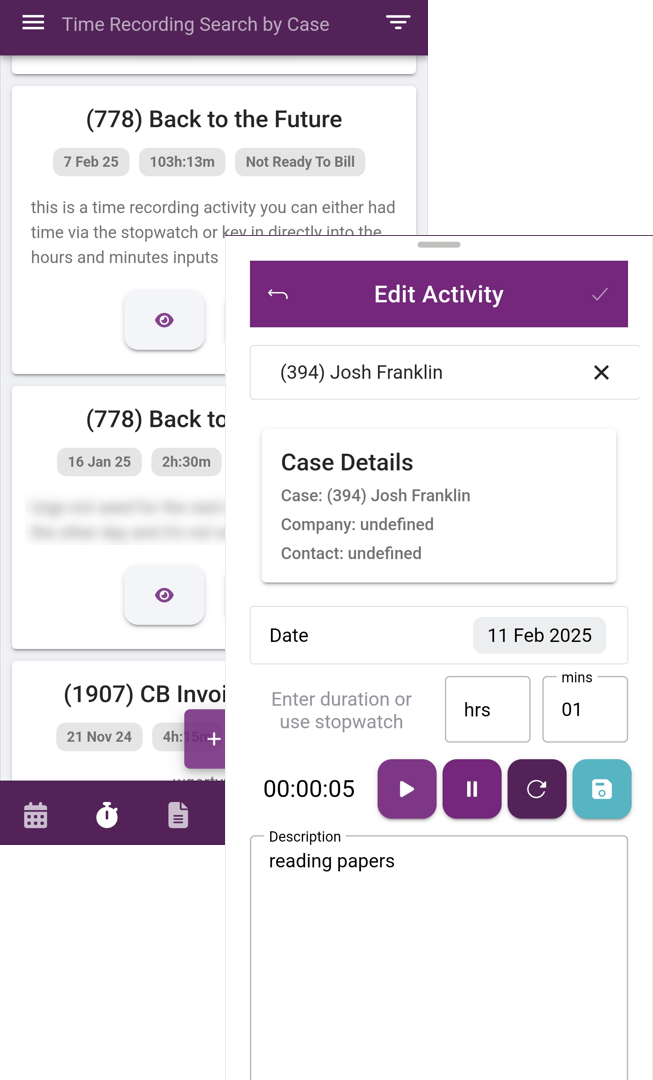
LEX Connect - Mobile App - Currently BETA testing.
The initial phase of this launch is only for barrister users. The following phase will allow clerk access.
Full overview of LEX Connect available here - Opus 2 LEX Connect Intro / Overview
Manage your diary | Create and manage Paperwork | Record your time: Manual entry & live timer |
 |  |  |
Was this article helpful?
That’s Great!
Thank you for your feedback
Sorry! We couldn't be helpful
Thank you for your feedback
Feedback sent
We appreciate your effort and will try to fix the article