**LEX Connect is currently in the BETA testing phase**
Opus 2 LEX Connect - Paperwork / Tasks
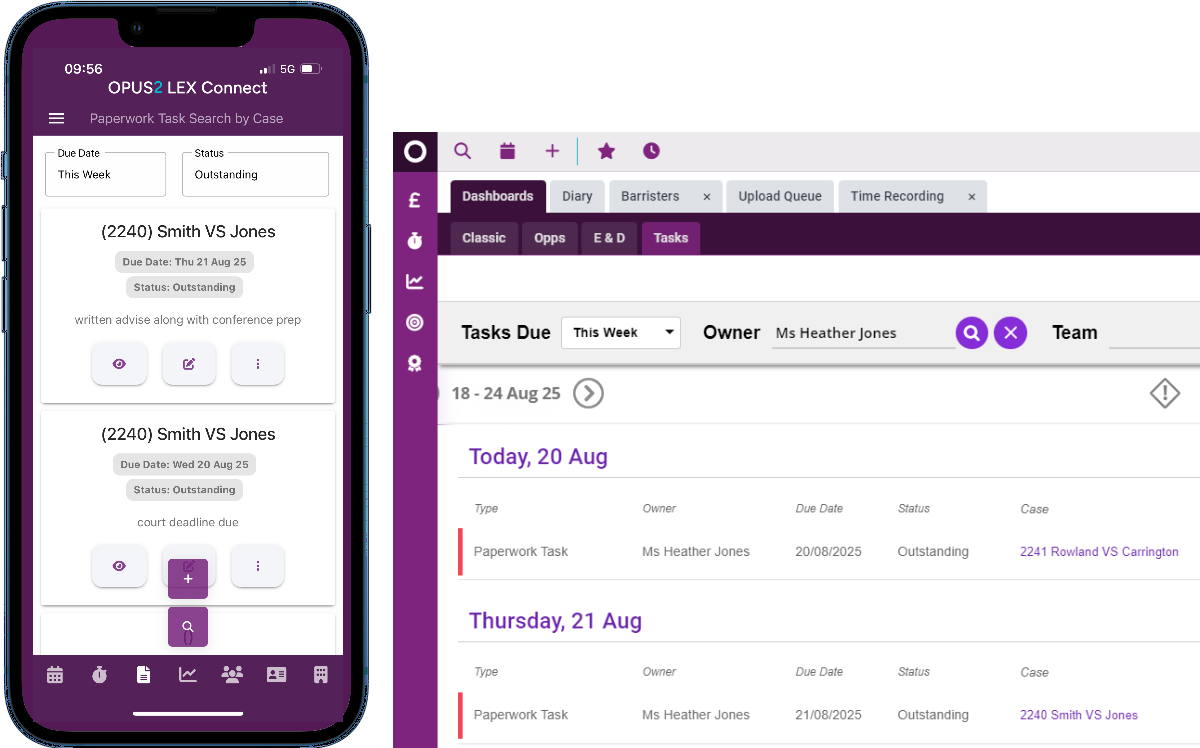
Easily review your scheduled paperwork tasks, create new ones and manage them efficiently. Complete a task in just two clicks or reschedule it for the next day if you need more time.
This feature within the App links to 2 areas within the desktop application. Tasks and Paperwork.
In the main desktop application, these features overlap. So, if you currently manage paperwork through the Paperwork Panel in the diary, within a case or via the Tasks dashboard, the same process applies here across all methods.
Navigation
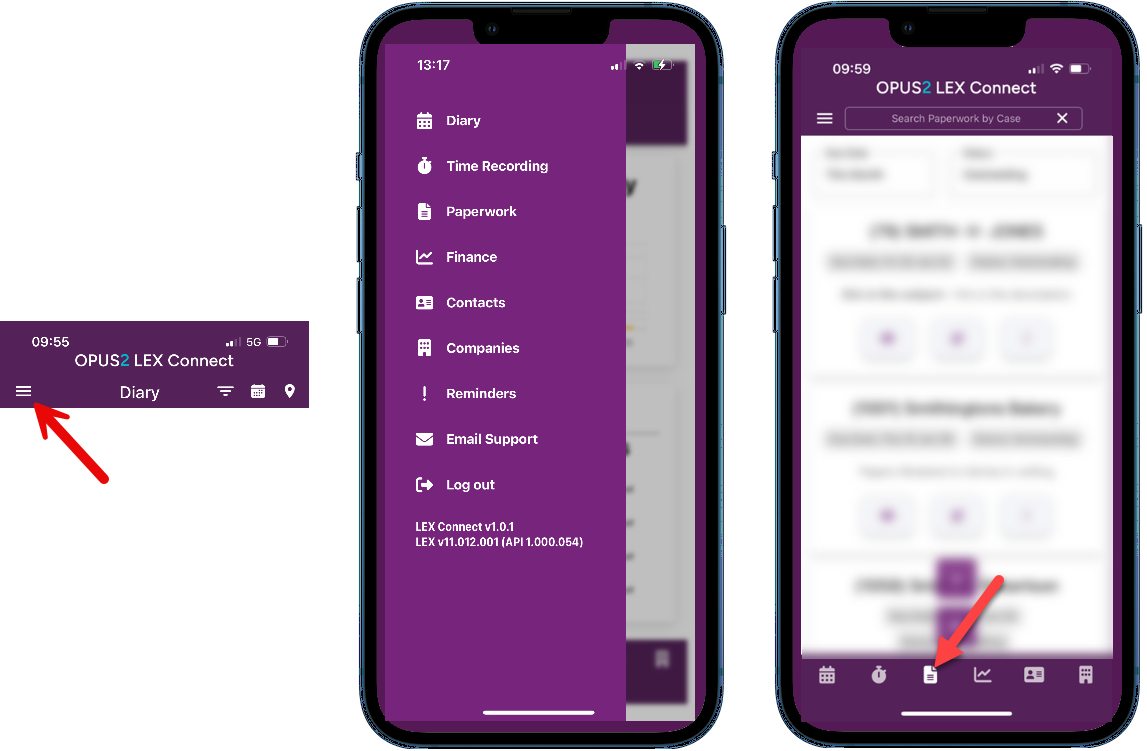
To access Paperwork / Tasks, tap the menu icon to open the full menu and select 'Paperwork' or select the paperwork icon from the menu bar along the bottom of your screen.
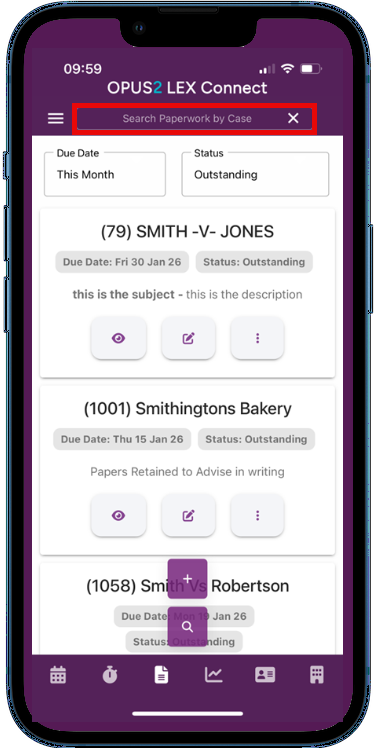
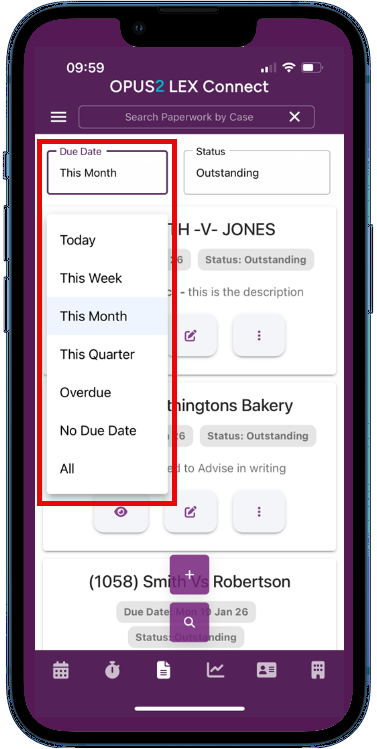
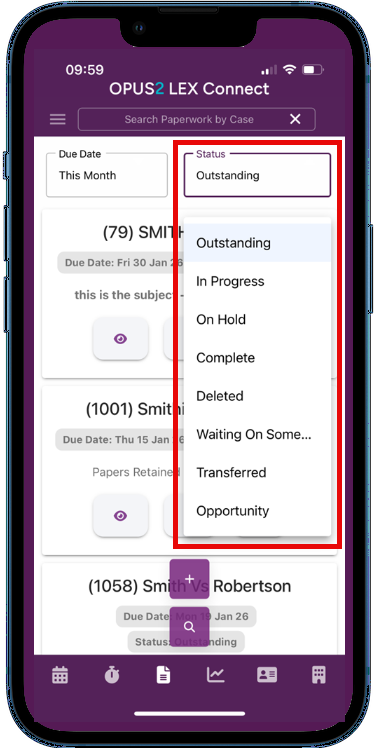
The paperwork screen will allow you to search for an item of work by the case name, filter to a set date period or filter by the status of the work as shown below.
 |  |  |
Guidance
Enter new Paperwork / Task
Amend Paperwork / Task
Was this article helpful?
That’s Great!
Thank you for your feedback
Sorry! We couldn't be helpful
Thank you for your feedback
Feedback sent
We appreciate your effort and will try to fix the article