**LEX Connect is currently in the BETA testing phase**
Opus 2 LEX Connect - Time Recording
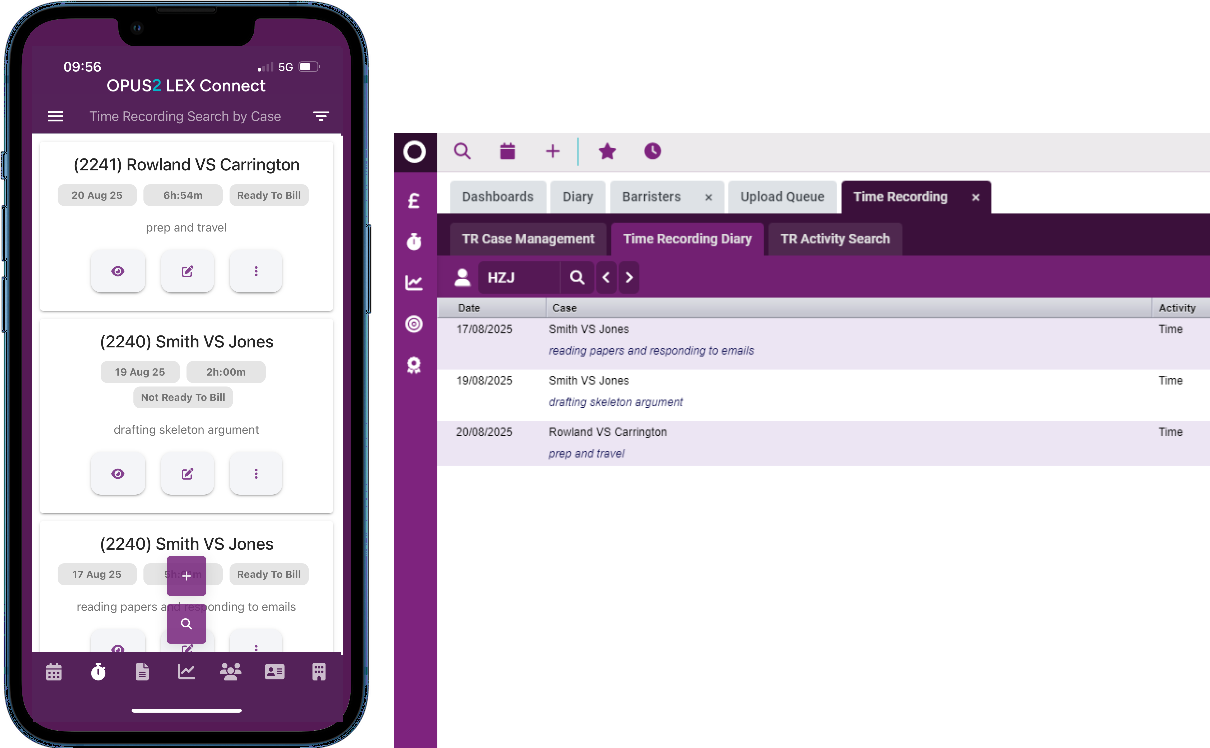
Easily record your time using the integrated time recording feature - add entries ad-hoc or use the in-app live timer. By linking time directly to you cases, everything is saved instantly so you can seamlessly move on to your next task.
Navigation
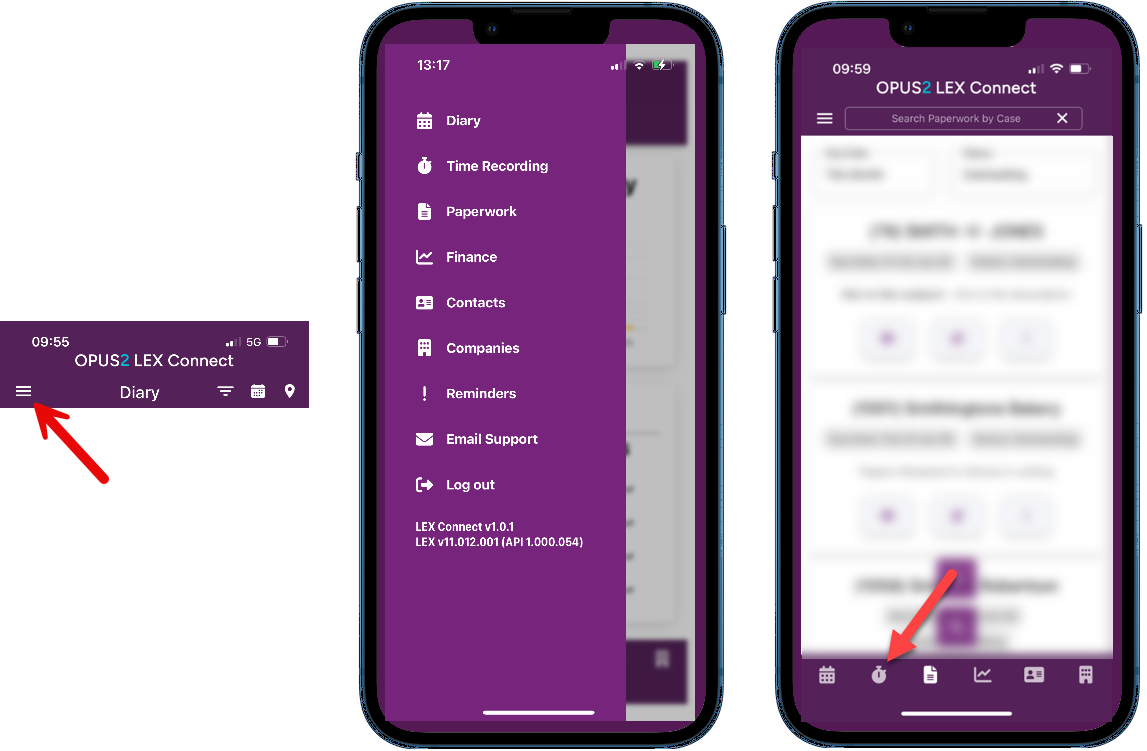
To access time recording features, tap the menu icon to open the full menu and navigate to your desired location. Alternatively select the stop watch icon from the menu bar along the bottom.
Guidance
Adding a Time Recording entry
Editing a Time Recording entry
Using the timer
Was this article helpful?
That’s Great!
Thank you for your feedback
Sorry! We couldn't be helpful
Thank you for your feedback
Feedback sent
We appreciate your effort and will try to fix the article